VinylKit



VinylKit is a cross-platform CLI tool for managing digitized vinyl record audio files using metadata from Discogs. It helps you tag, organize, and maintain your collection with high-quality metadata.
See It in Action
Record your vinyl into a folder as 01.flac, 02.flac… Run one command, and VinylKit tags the files, renames them and moves them into your library with cover art, ready for Roon.
|
1 · Drop recordings_root Recordings
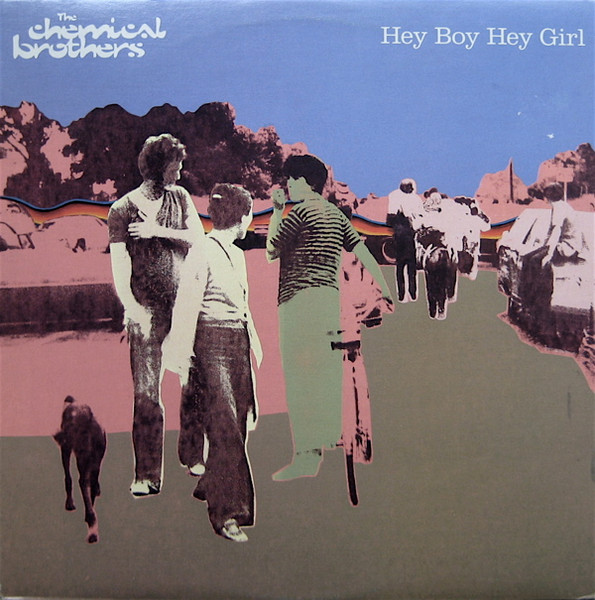
├── 4008-The-Chemical-Brothers-Hey-Boy-Hey-Girl
│ ├── 01.flac
│ ├── 02.flac
│ └── 03.flac
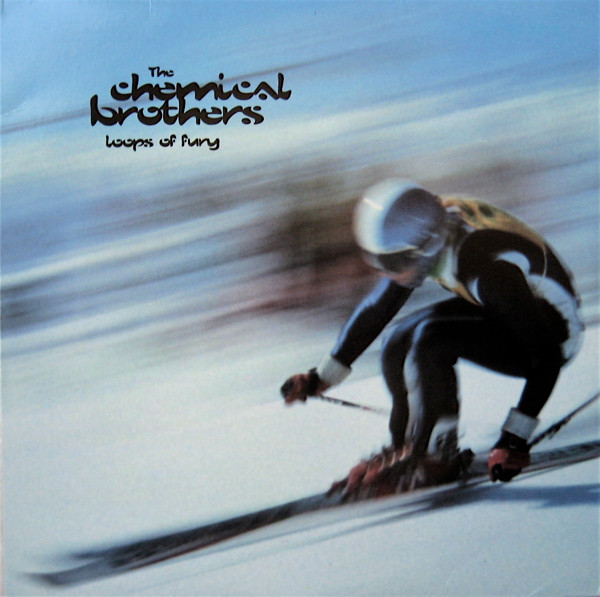
└── 13299-The-Chemical-Brothers-Loops-Of-Fury
├── 01.flac
├── 02.flac
├── 03.flac
└── 04.flac
|
2 · Run one command > vinylkit tag --id 4008,13299 Processing folder: …\4008-…-Hey-Boy-Hey-Girl Tagged 3 tracks Files moved successfully. Processing folder: …\13299-…-Loops-Of-Fury Tagged 4 tracks Files moved successfully. |
||
|
3 · Filed library_root Music
└── The Chemical Brothers
├── 1999 - Hey Boy Hey Girl [Astralwerks]
│ ├── A - Hey Boy Hey Girl (Extended Version).flac
│ ├── B1 - Flashback.flac
│ ├── B2 - Scale.flac
│ └── folder.jpg
└── 1996 - Loops Of Fury [Astralwerks]
├── A1 - Loops Of Fury.flac
├── A2 - (The Best Part Of) Breaking Up.flac
└── … 2 more tracks, folder.jpg, images/
|
4 · Play Roon · Plex
|
Walk through it step by step in the Quickstart.
Features
- Discogs Integration: Fetch high-quality metadata (Genres, Styles, Notes) using Release IDs or interactive search.
- Combined Workflow: Tag, rename and move files to your library in a single step.
- Support for MP3 and FLAC: Comprehensive tagging for ID3v2 and Vorbis comments.
- Vinyl-Specific Metadata: Preserves vinyl-specific info like side (A/B) and position (A1, B2).
- Metadata Export: Automatically creates a
release_info.txtfile in every tagged album folder with all the discogs release info. - Safe Operations: Optional dry-runs, filename sanitization, and atomic file moves.
- Batch Processing: Use
--batchto automatically tag multiple folders, extracting Discogs IDs from folder names. - Artwork Management: Embed album art directly into audio files (retrieved from Discogs).
- Flexible Organization: Use customizable naming templates to organize your library.
- Collection Export: Download your entire Discogs collection to a local CSV file.
Installation
There are a few ways to install VinylKit. Pick the one that fits your setup:
Option 1: Standalone Installer
This doesn't require Python or any package managers. The script automatically detects your system and installs a pre-compiled binary:
- macOS & Linux (Bash/Zsh):
bash curl -fsSL https://vinylkit.app/install.sh | bash - Windows (PowerShell):
powershell
  irm https://vinylkit.app/install.ps1 | iex
Option 2: Python / Developer Tool (uv)
If you already have Python and uv installed, you can install it as a global tool:
uv tool install git+https://github.com/alaninspace/vinyl-kit.git
For other installation options—including manual PyInstaller executables, PyApp bootstrappers, Homebrew, and Scoop—see the full Download & Install Guide.
Quick Start
- Set your library location (where tagged music ends up):
bash
   vinylkit config set library_root "/path/to/VinylLibrary"
- Set your recordings inbox (where new vinyl recordings are placed):
bash
   vinylkit config set recordings_root "/path/to/RecordedVinyl"
- Set your Discogs token (generate one here):
bash
   vinylkit config set discogs_token "YOUR_TOKEN"
- Scan and tag:
bash
   vinylkit scan
   vinylkit tag --id 19983
[!TIP]
For OAuth setup, naming patterns, and other configuration settings, see the Quickstart Guide.
Configuration
Settings are stored in a TOML file. You can view your current configuration with:
vinylkit config show
For more details, check out vinylkit.app or see these local files:
- Quick Start: Setup and basic workflow.
- User Guide: In-depth command and feature reference.
- Examples: Real-world command combinations.
- Configuration Guide: Full list of all settings.
- Developer Guide: Setup, code architecture, and testing.
- Authentication Guide: Setting up Discogs credentials and OAuth.
- Tag Mapping Reference: Complete tag list with MP3/FLAC field names.
- Data Model Reference: Data structures, database types, and schemas.
- Specification Spec: Product specs and technical requirements.